
Dell W2607C is an LCD TV. This document is a service manual that provides repair service information and safety precautions for the product.
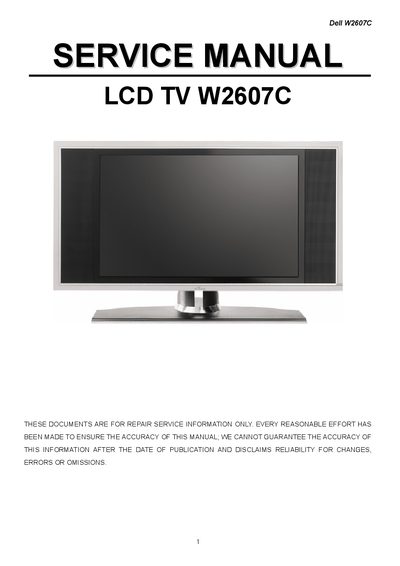
This service manual supplies detailed safety information for technicians working on the Dell W2607C LCD TV, including warnings about high voltage, the need for an isolation transformer, and ESD precautions. It also outlines the proper use of original replacement parts and the importance of following Dell‑approved service procedures.
The document contains the TV's general specifications, input/output connectors, firmware upgrade steps, pixel defect definitions, mechanical instructions, and extensive parts lists with part numbers. Additional sections cover PCB layouts, schematics, and a repair flowchart to assist in troubleshooting and component replacement.
| Screen Size | 26" TFT LCD |
|---|---|
| Resolution | 1366 x 768 (WXGA) |
| Brightness | 500 cd/m² (Typical) |
| Contrast Ratio | 1000:1 (Typical) |
| Viewing Angle | 170° Horizontal / 170° Vertical |
| Lamp Lifetime | 60 000 hr (Typical) |
| Power Supply | AC 100‑240 V, 50/60 Hz |
| Operating Temperature | -10 °C to +50 °C |
| Weight (with stand) | 14.5 kg |
Technicians must use a separate isolation transformer, wear a grounded wrist strap, protect the LCD module from ESD, avoid high temperature and humidity, and never replace parts with non‑original components.
Open the battery cover, insert two AAA batteries matching the polarity symbols, and then replace the cover.
The TV provides Composite (CVBS) and S‑Video inputs (two each), Component inputs (two), DVI, VGA, HDMI, audio L+R, and a headphone jack.