
Dell Latitude C400 Service Manual is a maintenance manual released by Dell, which mainly introduces the maintenance methods and precautions of C400 computer
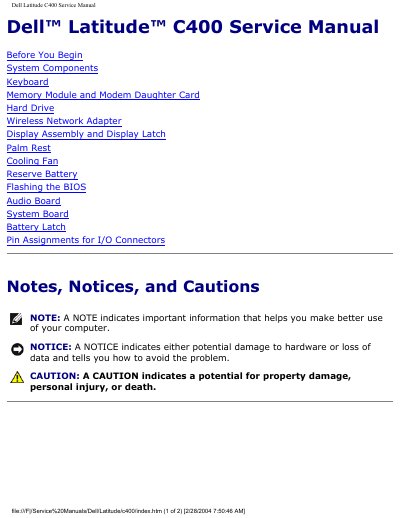
The Dell Latitude C400 Service Manual provides step‑by‑step guidance for certified technicians to safely disassemble, repair, and reassemble the notebook. It begins with safety notices, recommended tools, and screw identification to help avoid damage during service.
The manual then lists all system components with part counts, describes how to remove each part, and includes detailed pin‑out assignments for I/O connectors. It also covers BIOS flashing procedures and other maintenance tasks required to keep the laptop operational. This manual is written in Chinese.
| Keyboard count | 4 each |
|---|---|
| Hard drive count | 1 each |
| Cooling fan count | 3 each |
| Audio board count | 2 each |
The manual lists a magnetized #1 Phillips screwdriver, a small flat‑blade screwdriver, 5 mm and 7 mm nut drivers, needle‑nose pliers, and a flash BIOS update program on a floppy disk or CD.