
The HITACHI 4700 FE-SEM COLD FIELD EMISSION 2 is a cold cathode field emission scanning electron microscope that provides higher resolution, higher beam density, and longer tip life. The desired accelerating voltage is obtained by adjusting the voltage anode.
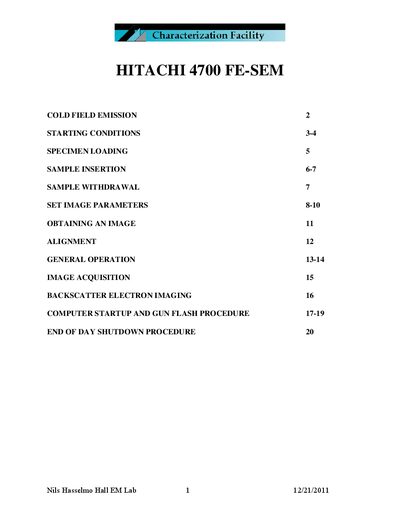
This document describes the Hitachi 4700 FE-SEM, a cold field emission scanning electron microscope designed for high‑resolution imaging. It explains the advantages of cold field emission, the instrument’s components, and safety considerations.
Key sections cover starting conditions, specimen loading and withdrawal, setting imaging parameters, image acquisition, alignment, computer startup, gun flash procedure, and end‑of‑day shutdown. The guide also includes details on the optional cold finger, vacuum levels, and stage home positions.
| Cold Finger liquid nitrogen capacity | 0.9 L |
|---|---|
| Cold Finger usable time after LN₂ fill | ≈5 hours |
| Emission current range | 1 – 20 µA |
| Default emission current setting | 10 µA |
| Stage home Z position (Hitachi stage, Hitachi rod) | 12 mm |
Open the HV Control window, set the emission current (default 10 µA), click “Flashing”, confirm “Flashing Execute OK?”, and wait for the flashing process to complete.