
This document is the user guide for Dell™ AY511 Soundbar, providing instructions for setting up and using the soundbar. It also reminds users to use the correct power adapter and pay attention to the volume control and connection methods of the soundbar.
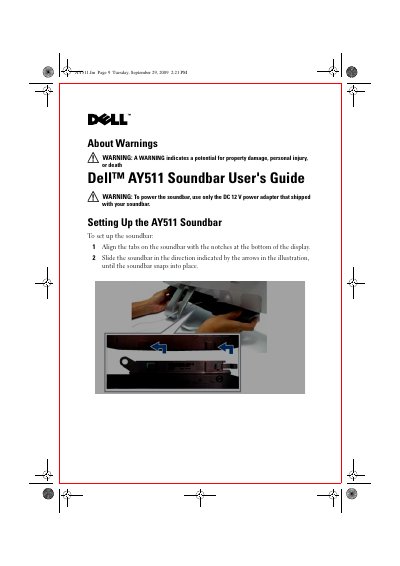
This guide explains how to install and operate the Dell AY511 Soundbar. It covers aligning the soundbar with the display, connecting the DC 12 V power adapter, and linking audio sources such as a computer, headphones, or an external subwoofer. The manual also describes the SRS TruSurround, TruBass, and Dialog Clarity functions that enhance the listening experience.
Safety warnings are highlighted, and a troubleshooting section helps resolve common issues like no audio, distorted sound, or unbalanced output. The document includes step‑by‑step instructions, LED indicators, and tips for adjusting volume and mute settings. This manual is written in Chinese.
| Power supply voltage | DC 12 V |
|---|---|
| Audio input connector | Black mini stereo connector to green headphone/line‑out |
| Subwoofer output | External subwoofer connector |
Touch the power on/off control on the front panel after connecting the DC 12 V power adapter; the white LED will light up.
Touch the volume up control on the front panel; the LED between the speakers blinks to indicate the change.
Connect the black mini stereo connector from the soundbar to the green headphone or line‑out connector on your computer.