
This manual covers system components, service preparation, repair procedures and repair notices for the Dell Latitude D800 system.
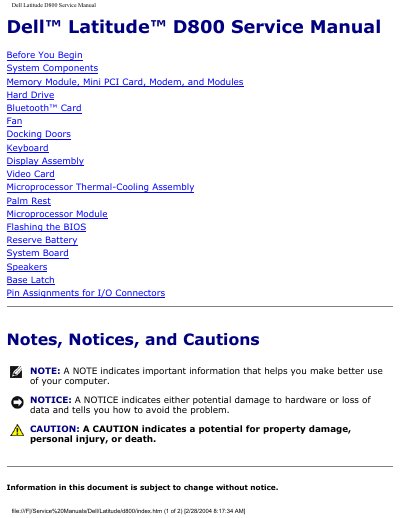
The Dell Latitude D800 Service Manual provides detailed instructions for certified technicians to safely service the notebook. It includes safety notices, recommended tools, and step‑by‑step procedures for removing and replacing components such as memory modules, hard drives, and the system board.
The manual also contains extensive pin‑assignment tables for all I/O connectors, including USB, serial, and video ports, helping technicians verify wiring and troubleshoot hardware issues. This manual is written in Chinese.
Only a certified service technician should perform repairs, and static electricity must be discharged by touching an unpainted metal surface before handling any components.
The manual lists a #1 Phillips screwdriver, a ¼‑inch flat‑blade screwdriver, and a small plastic scribe as the required tools.