
This manual provides instructions for using, maintaining, and troubleshooting your Dell XPS 410 laptop computer.
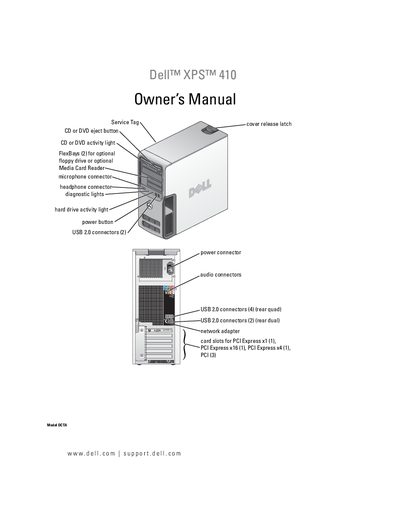
This manual covers the physical layout, connectors, and installation steps for the Dell XPS 410 desktop. It explains how to set up the computer, connect monitors, printers, USB devices, and optional components such as a media card reader or additional drives.
The guide also includes power‑management options, system setup, RAID configuration, and detailed troubleshooting procedures for common hardware and software issues. Appendices provide specifications, warranty information, and contact details for Dell support.
The Service Tag is printed on the front of the computer, near the CD/DVD eject button.
Refer to the Battery section (page 120) and follow the steps in "Replacing the Battery".