
This is a user manual for a Canon camera. It introduces the camera's usage methods, including installing batteries, memory cards, opening the LCD screen, setting the date, time and language
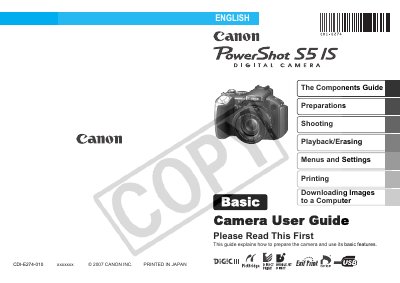
This guide explains all features and procedures for the Canon PowerShot S5 IS digital camera, covering basic handling, menu navigation, shooting functions, and playback options. It includes safety precautions, battery handling, and warranty information.
The manual also details advanced shooting functions such as face priority AF, image stabilization, red‑eye reduction, and movie recording with stereo sound, as well as troubleshooting tips and how to customize camera settings.
| Optical Zoom | 12x |
|---|---|
| Face Priority AF | Detects faces in a scene |
| Movie Recording | Stereo sound |
| Playback Movies | Stereo sound |
| Red‑Eye Correction | Available |
| Image Stabilizer | Available |
Use the Red‑Eye Correction Function (see page 115).
Select the Formatting Memory Cards option in the menu (see page 37).
Set the Image Stabilizer Function in the camera settings (see page 44).
Press the movie button; the camera records movies with stereo sound (see page 151).