
Canon PowerShot A95 User Manual

This is a Canon camera user guide, which mainly introduces the functions and usage methods of the camera
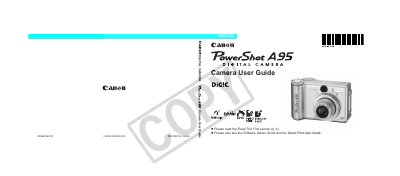

Canon PowerShot A95 User Manual - cover page
Brand
Canon
Category
Digital cameras
Document type
User Manual
Language
English
Pages
163
File format
PDF
File size
2.2 MB
Published
02 May, 2012
Updated
30 September, 2023
MD5 checksum
32A2F7543B87700FF3010936ECF539E1

About this manual

This manual covers everything you need to know to operate the PowerShot A95 digital camera, including safety precautions, battery installation, CF card setup, and basic shooting modes. It also explains how to adjust settings such as ISO speed, white balance, and video format.

Additional sections detail advanced functions, menu customization, playback options, troubleshooting, and maintenance tips to keep the camera performing reliably.

What's inside

  • Read This First
  • Safety Precautions
  • Installing the Batteries
  • Basic Functions
  • Shooting — The Basics
  • Playback — The Basics
  • Menu Settings and Default Settings
  • Advanced Functions
  • Troubleshooting
  • Camera Care and Maintenance

Frequently asked questions

How do I charge the date/time battery?

Insert fully charged main batteries or use the AC adapter kit for at least 4 hours; the date/time battery charges automatically when the camera is powered on.

Download PDF (2.2 MB)

More Canon Manuals


View all Canon manuals →