
Introduces the usage instructions for HD Camcorder
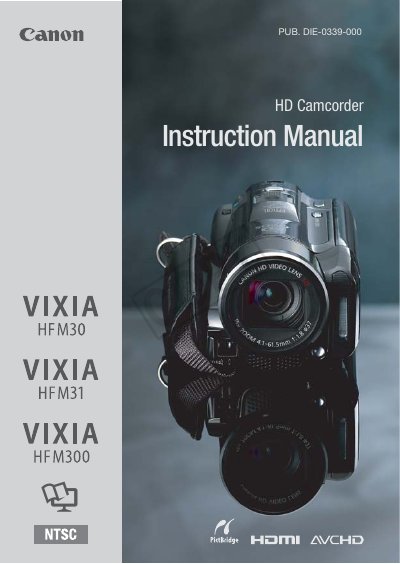
This manual covers safety precautions, power requirements, and basic operation for the Canon VIXIA HF M30, HF M31, and HF M300 HD camcorders. It explains how to avoid electric shock, protect the device from moisture, and correctly connect accessories such as the CA-570 Compact Power Adapter.
The document also includes warranty information for Canadian customers, trademark acknowledgements, and contact details for Canon service centers worldwide. Users are advised to retain the manual for future reference and to consult qualified service personnel for any repairs.
| Video resolution | 1920 × 1080 |
|---|---|
| Power adapter voltage range | 100‑240 VAC |
| Model name | VIXIA HF M30 A / VIXIA HF M31 A / VIXIA HF M300 A |
| Serial number location | Battery attachment unit |
No. The manual warns not to use the product near water or in rainy/moist situations to avoid electric shock.
The adapter can be used with a power supply between 100 and 240 VAC.
The serial number is located on the battery attachment unit of the camcorder.