
This is a watch user manual that introduces the functions and usage of the watch.
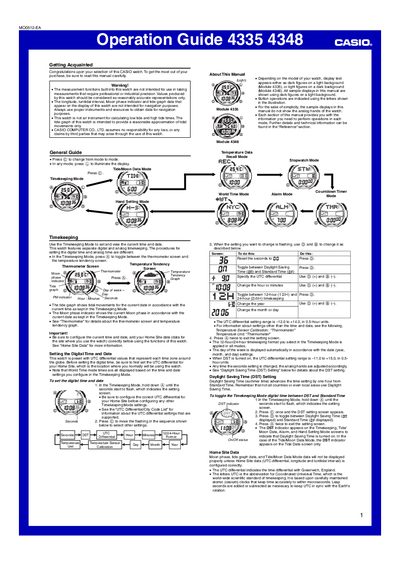
This guide introduces the Casio 4335/4348 watch, covering basic operation, timekeeping, temperature measurement, tide and moon data, and various utility functions such as stopwatch, countdown timer, and alarm. It also explains how to configure home site data, daylight saving time, and illumination settings.
Detailed instructions are provided for each mode, including button sequences, setting ranges, and safety warnings. The manual includes reference tables for UTC differentials, city codes, and temperature sensor calibration.
| Thermometer display range | -10.0°C to 60.0°C (14.0°F to 140.0°F) |
|---|---|
| Thermometer resolution | 0.1°C (0.2°F) units |
| Memory capacity for temperature records | Up to 50 records |
| Stopwatch display range | 99 h 59 min 59.99 s |
| Countdown timer range | 1 minute to 100 hours |
Enter Timekeeping Mode, hold down the @ button until the seconds flash, then use the © button to move the flashing cursor and adjust the settings.
While in Timekeeping Mode, press © once to open the DST setting screen, then press © again to toggle between DST and Standard Time.
Enter Tide/Moon Data Mode, press @ to switch to the Tide Data screen; the initial screen shows the tide graph for 6:00 AM.