
This is a user manual for the Philips CM200 FEG TEM
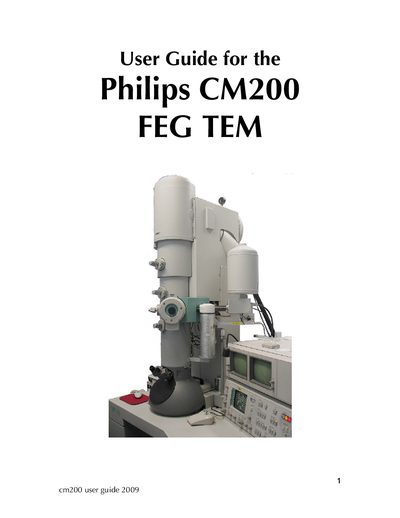
The guide introduces the Philips CM200 transmission electron microscope, describing its main components such as the field‑emission gun, liquid nitrogen dewar, condenser and objective apertures, and the computer interface with softkeys. It emphasizes safety rules, including keeping the gun valve closed during specimen changes and maintaining high vacuum in the gun chamber.
Operational sections cover checking vacuum status, loading specimens, setting eucentric height, focusing, and acquiring images on photographic film or digitally. Later chapters explain how to acquire elemental maps and line scans, adjust matrix size and dwell time, and properly end a mapping session.
| Extraction voltage limit | 45 kV |
|---|---|
| Actual extraction voltage | 2.29 kV |
| IGP pressure reading limit | <27 |
The IGP reading must be less than 27 and the vacuum status must be ‘READY’.
Select a number using a softkey and press the STORE softkey.
Click the map acquisition button, set the matrix and dwell time, then click the start button.