
This is a guide to install ASRock B75M-ITX motherboard
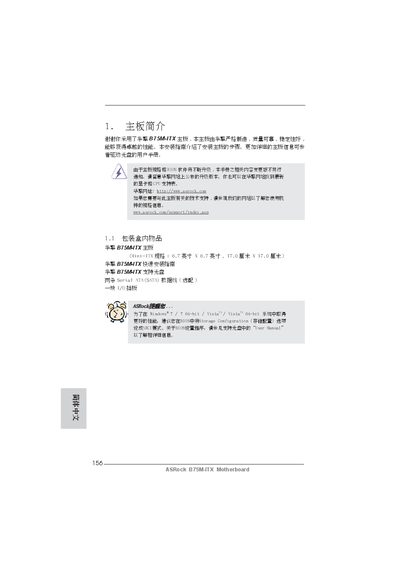
This manual provides step‑by‑step instructions for installing the ASRock B75M_TX Mini‑ITX motherboard, including hardware preparation, connector layout, and BIOS configuration. It also outlines the supported CPUs, memory types, and peripheral interfaces.
Additional sections cover jumper settings, power management features, and the bundled software utilities such as the ASRock Extreme Tuning Utility and Instant Flash BIOS updater. This manual is written in Chinese.
| Form factor | Mini‑ITX 6.7" x 6.7" |
|---|---|
| CPU socket | LGA1155 |
| Chipset | Intel B75 |
| PCI Express x16 slot | PCIe 3.0 x16 |
| LAN controller | Realtek RTL8111E Gigabit Ethernet |
| Audio codec | Realtek ALC892 |
It follows the Mini‑ITX standard with dimensions of 6.7 inches by 6.7 inches.
The board supports CPUs with an LGA1155 socket.
Up to 16 GB of DDR3 memory can be installed in dual‑channel mode.
Yes, it provides one PCI Express 3.0 x16 slot.