
This is a user manual for a camera, which introduces the features and characteristics of the camera, including safety information, preparation for use, recording, playback, etc.
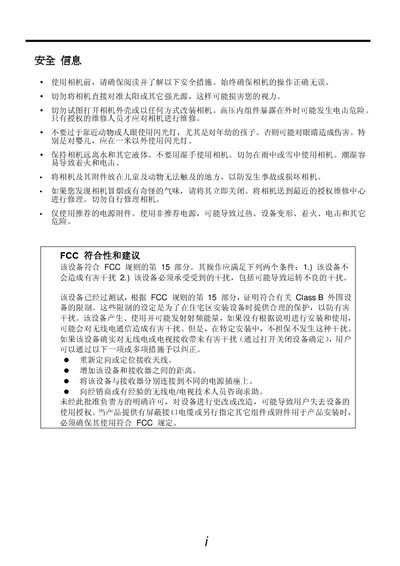
The manual begins with safety information, warning users not to point the camera at the sun, keep it away from water, and only allow authorized service personnel to open the device. It also includes FCC compliance notes and recommended precautions.
Subsequent sections cover preparing the camera, inserting batteries and memory cards, using the LCD screen, basic operation modes, recording photos and videos, playback functions, connecting the camera to a TV or computer via USB, and a troubleshooting appendix with technical specifications. This manual is written in Chinese.
When the low‑battery indicator appears on the LCD screen, you should replace the batteries immediately.
No, you should never point the camera directly at the sun or other strong light sources as it may damage your eyesight.
No, keep the camera away from water and liquids; do not use it with wet hands or in rain or snow.