
This is the user manual for the CASIO camera CK, which introduces the camera's usage methods, precautions, etc.
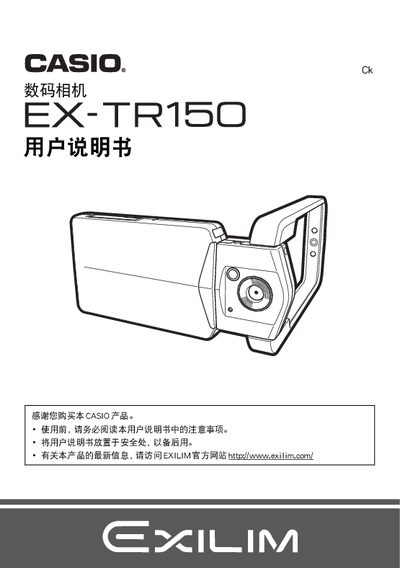
This manual introduces the EX-TR150 camera, lists the supplied accessories, and guides you through initial setup such as charging the battery, inserting a storage card, and configuring basic settings. Safety notices and warranty information are also included.
The guide covers all shooting modes, best‑shot functions, playback options, touch‑screen operation, and connectivity features like USB, HDMI, and Eye‑Fi. It also provides battery care tips, language settings, and a troubleshooting section for common issues. This manual is written in Chinese.
| Output power | 5.0 V DC, 650 mA |
|---|---|
| Operating temperature | 5 °C to 35 °C |
| Weight | ≈ 379 g |
Charge the battery before first use.
Connect the camera to a Windows or Macintosh computer via the USB cable and save the files.
Select the reset option in the menu to restore the initial factory settings.