
This manual explains how to use the 4779 4780 watch's various features.
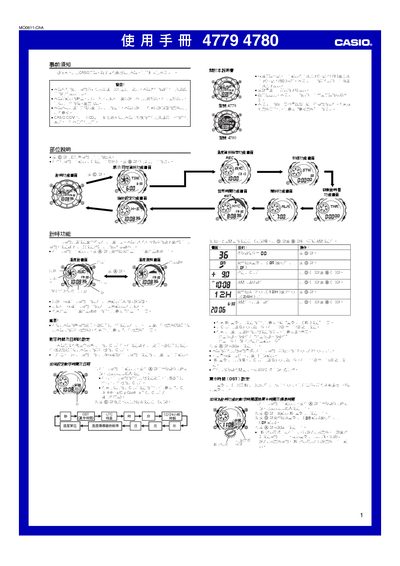
This manual provides step‑by‑step instructions for setting the current time, date, and location data (UTC offset, longitude and tide interval) required for accurate operation of the Casio 4779/4780 watch. It also covers the world‑time display, daylight‑saving time (DST) settings, and how to use the tide and moon‑phase information.
Additional sections describe the built‑in temperature and light sensors, the stopwatch (up to 99 h 59 min 59.99 s), the countdown timer, automatic illumination, and the procedures for calibrating and maintaining the device. This manual is written in Japanese.
| Stopwatch maximum duration | 99 h 59 min 59.99 s |
|---|
First set the current time, date, and residence data (UTC offset, longitude and tide interval) before using any other functions.
The stopwatch can count up to 99 hours 59 minutes 59.99 seconds.
Enter the DST setting page, activate the DST flag, and the watch will display the DST indicator in the tide/moon data screens.