
This manual introduces the functions and usage methods of the 3136 series watches, including the timing function, world time function, alarm function, stopwatch function, countdown timer function, etc.
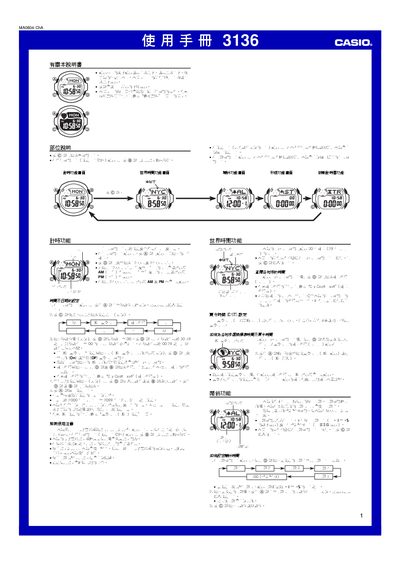
This manual describes how to operate the Casio 3136 watch, covering basic functions such as time and date setting, 12/24‑hour mode, daylight‑saving time, and city selection for world time. It also explains the use of the EL backlight, button sounds, and how the automatic calendar adjusts for leap years.
Additional sections detail the five daily alarms, hourly chime, stopwatch with a 23 h 59 m 59.99 s range, and a countdown timer that can be set from 1 minute up to 24 hours. The guide includes instructions for enabling/disabling features, navigating menus with the A‑D buttons, and troubleshooting tips. This manual is written in Chinese.
| Stopwatch range | 23 h 59 m 59.99 s |
|---|---|
| Countdown timer range | 1 minute to 24 hours |
| Backlight type | EL electronic fluorescent panel |
| Date setting range | 2000‑01‑01 to 2099‑12‑31 |
| Automatic calendar | Full‑auto adjustment for month length and leap years |
| Battery impact of lighting | Frequent backlight use shortens battery life |
Press and hold the A button until the seconds digits flash to enter setting mode, then use the C button to select the field and the D button to increase the value.