
CASIO watch user manual, introduces how to use the watch's functions, including direction, pressure, temperature and height measurement functions, as well as moon phase and tide chart functions.
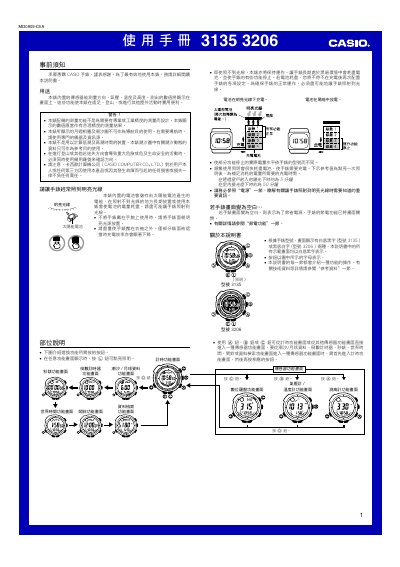
This manual explains the functions of the Casio 3135/3206 watch, which includes a digital compass, altimeter, barometer, thermometer, tide and moon data, timer, stopwatch, world‑time display, alarms and lighting. It is intended for outdoor activities such as hiking and mountaineering, and notes that the sensor readings are not meant for professional‑grade measurements.
The guide details how to operate each sensor, configure time and date, perform compass and sensor calibrations, manage battery charging with its solar cell, enable or disable power‑saving and automatic lighting, and use auxiliary features like alarms, countdown timers and data retrieval. Safety warnings and troubleshooting steps are also included. This manual is written in Chinese.
| Battery charging time in bright sunlight | ≈ 5 minutes |
|---|---|
| Pressure measurement range | 260 hPa/mb to 1,100 hPa/mb (7.65 inHg to 32.45 inHg) |
| Temperature measurement range | -10.0 °C to 60.0 °C (14.0 °F to 140.0 °F) |
| Altitude display unit | 5 m (20 ft) |
Place the watch so its face points toward a bright light source; in direct sunlight it charges in about 5 minutes, while indoor fluorescent light takes about 50 minutes. Keep the watch uncovered for best results.
From any screen, hold the L button for about 3 seconds; the indicator A.EL will appear when enabled and disappear when disabled.