
This manual describes the functions and usage of the watch, including the timekeeping function, stopwatch function, preset timer function, interval timer function, world time function, and alarm function
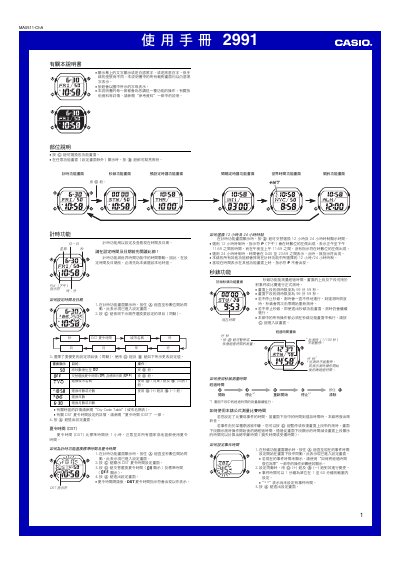
This manual provides step‑by‑step instructions for all functions of the Casio 2991 watch, including time and date setting, 12/24‑hour display, stopwatch, preset and interval timers, world time, alarms, and illumination features. Each section shows which buttons to press and how the display changes.
Additional information covers technical details such as the automatic calendar, EL lighting panel, battery‑saving tips, and safety warnings for using the automatic illumination while moving. This manual is written in Chinese.
| Year setting range | 2000–2099 |
|---|---|
| Automatic calendar | Adjusts month length and leap years automatically |
| Lighting type | EL (electroluminescent) panel |
| Battery consumption (lighting) | Frequent lighting use drains battery quickly |
While the time‑keeping screen is shown, press the D button to toggle between 12‑hour and 24‑hour formats.
On any screen, press and hold the B button for about 3 seconds; the automatic illumination indicator will appear, and the watch will light up when you turn your wrist toward you.