
This manual is the instruction manual for the CASIO calculator MO1011-ChA, which mainly introduces the features and characteristics of the products in the manual, such as DST function, lighting function, etc.
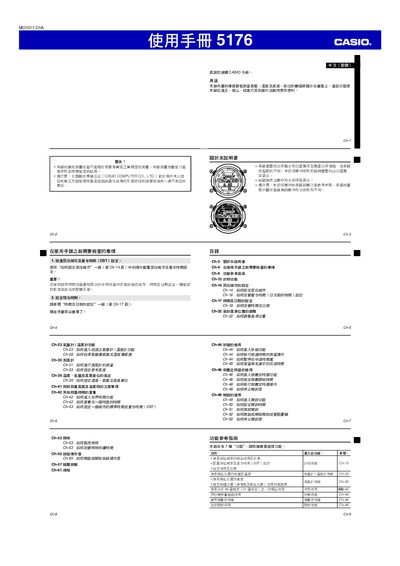
This manual provides step‑by‑step instructions for configuring the Casio 5176 watch, including city and daylight‑saving time settings, time‑format selection, and automatic calendar adjustments. It also describes how to use the altitude, temperature and barometric pressure measurement functions.
Safety notes, error handling, and illumination settings are covered, along with detailed tables for city codes and measurement ranges. The guide is intended for outdoor activities such as hiking and mountaineering, where accurate environmental data is required. This manual is written in Japanese.
| Time format | 12‑hour and 24‑hour modes |
|---|---|
| Altitude measurement range | 700 m – 10 000 m (‑2.300 ft – 32.800 ft) |
Open the "居住城市設定" section (Chapter 14) and select the desired city and DST option; the watch will then adjust the time accordingly.
The watch measures altitude from 700 m up to 10 000 m (‑2.300 ft to 32.800 ft).
Select the 24‑hour mode in the time‑format setting; the watch will then show time from 00:00 to 23:59.
When ERR appears, repeat the measurement; if it persists, the device may need service or battery replacement.