
This manual introduces the functions and operation methods of the watch, including alarm, countdown timer, stopwatch, pointer adjustment, timing, e-DATA MEMORY, world time, city temperature, etc.
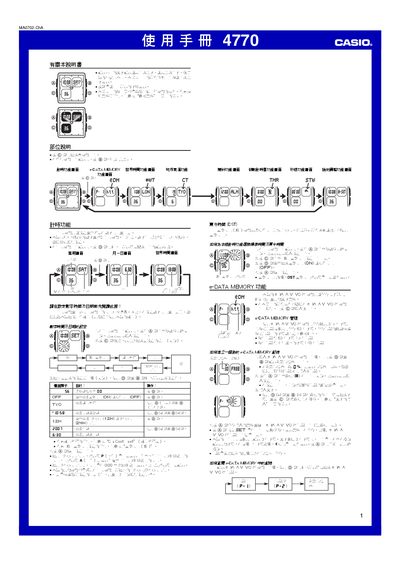
This manual explains how to operate the Casio 4770 watch, including setting the digital and analog time, configuring world‑time cities, and using the alarm, countdown timer, stopwatch and temperature display. It also details the e‑DATA MEMORY feature for storing up to 315 characters of text.
The guide provides step‑by‑step instructions for adjusting the pointer, enabling daylight‑saving time, and managing the LED backlight. Reference tables such as the City Code Table are included for city‑time settings. This manual is written in Chinese.
| e‑DATA MEMORY capacity | 315 characters total |
|---|---|
| Maximum characters per record | 63 characters |
| Year setting range | 2000‑2039 |
| LED backlight | LED with light guide plate |
| Stopwatch display limit | 59 min 59.99 sec |
| Pointer adjustment direction | Forward only |
Press and hold the A button until the seconds digits flash to enter the setting mode, then use the C, D and B buttons to adjust hours, minutes and other values.
From the timing screen, hold A, press C to reach the DST screen, then press D to toggle DST ON or OFF.