
This manual describes how to operate 2879, 2889, and 3091 watches. The watch can set and view time, date, and set 12-hour and 24-hour time. It can also open and close daily alarm and hourly alert functions.
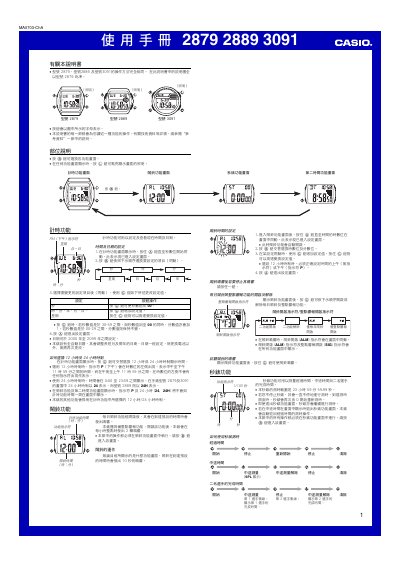
The manual explains how to set the time, date, and calendar for the Casio 2879, 2889 and 3091 watches. It details the use of the mode and adjust buttons to change seconds, minutes, hours, year, month and day, and describes the automatic calendar adjustment for months and leap years.\n\nKey functions include 12‑hour and 24‑hour time formats, hourly chime, stopwatch, second‑time (dual‑time) mode, and a back‑light that can be activated for a few seconds. The document also provides notes on illumination visibility and battery conservation. This manual is written in Chinese.
| Date range | 2000‑2099 |
|---|---|
| Time format | 12‑hour or 24‑hour |
| Stopwatch range | 23 h 59 min 59.99 s |
Enter the time‑setting mode, press the adjust button to move to the seconds field, then use the mode button to change seconds, minutes, hours, year, month and day as needed.
The second‑time mode lets you track a second time zone, operating in the same way as the main time‑keeping function.