
This manual is the user manual for the 3170 watch, which mainly introduces the use of the timing function and alarm function
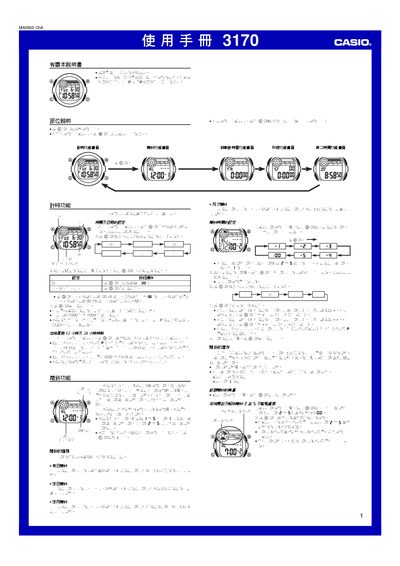
This manual provides step‑by‑step instructions for operating the Casio 3170 digital watch. It covers basic time setting, switching between 12‑hour and 24‑hour formats, configuring the five built‑in alarms, using the countdown timer, stopwatch and second‑time functions, as well as lighting and battery information.
Additional sections describe automatic calendar adjustments, illumination usage tips, and technical specifications such as accuracy, battery type and measurement ranges. All operations are performed with the @ and @@ buttons as described in each function screen. This manual is written in Chinese.
| Time format | 12‑hour or 24‑hour |
|---|---|
| Alarms | 5 alarms (4 single, 1 interval) |
| Countdown timer range | 1 minute to 24 hours |
| Stopwatch range | 0‑23:59:59.99 |
| Battery | CR2025 lithium cell |
Open the countdown timer screen, press @ to start the timer. Press @ again to pause, and press @ once more after pausing to stop and reset to the original start time.