
This manual introduces the use of the 5209 machine
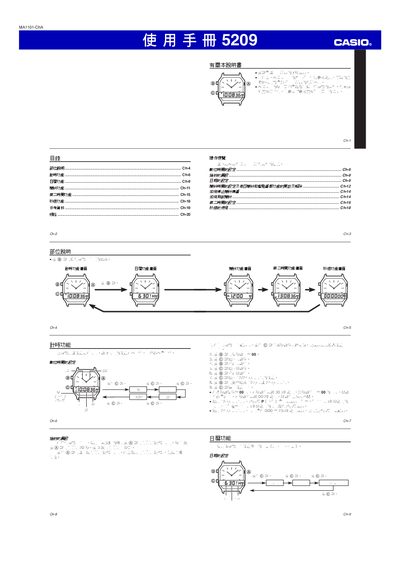
This manual provides step‑by‑step instructions for operating the Casio 5209, including time setting, date configuration, alarm setup, and the secondary timer function. It describes the button sequences needed to adjust hours, minutes, seconds, and to switch between 12‑hour and 24‑hour display modes.
Additional sections cover automatic date handling, daily alarm and hourly chime settings, as well as measurement limits and accuracy specifications. The document ends with a specifications table summarizing key technical parameters of the device. This manual is written in Chinese.
| Timer measurement limit | 59 min 59.99 sec |
|---|---|
| Measurement unit | 1/100 second |
| Date display | month, day, weekday |
Press the designated button to toggle the time format; the display will change accordingly.
Enter the alarm setting screen, then use the buttons to adjust the hour and minute values; confirm to enable the alarm.