
This is a watch user manual, including the time and date settings, lighting, vibration function and countdown alarm function instructions
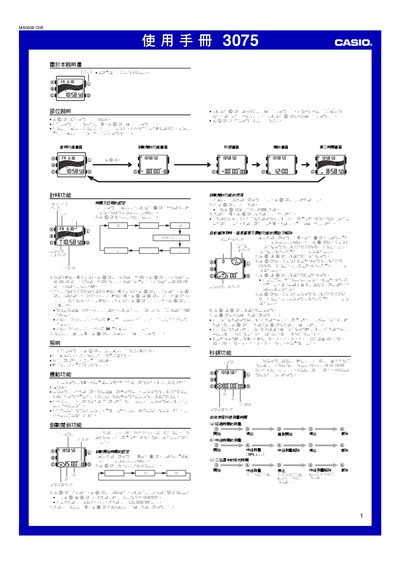
This manual explains how to operate the Casio 3075 digital watch. It covers button functions, time and date setting, 12/24‑hour mode, and how to use the illumination feature.
Detailed sections describe the countdown timer, automatic repeat, progress beep, vibration mode, stopwatch functions (including auto‑start and target time), daily alarm, hourly chime, and second‑time zone display. This manual is written in Chinese.
| Illumination duration | ≈ 2 seconds |
|---|---|
| Stopwatch measurement limit | 23 h 59 min 59.99 s |
| Countdown timer range | 1 s to 24 h |
| Auto‑start countdown before stopwatch | 5 s |
Press the L button in any mode to light the display for about two seconds.
From the countdown timer screen, hold B to select the hour field, then use C, D and A to set the desired time between 1 second and 24 hours.
Enter the vibration setting (VIB) from any function screen and press D or A to turn the vibration ON or OFF; it applies to all alarm functions.
The stopwatch can measure up to 23 hours 59 minutes 59.99 seconds.