
the dac8534 is a quad channel, 16-bit digital-to-analog converter (dac) offering low-power operation and a flexible serial host interface. it can be used in portable instrumentation, closed-loop servo-control, process control, data acquisition systems, programmable attenuation and pc peripherals.
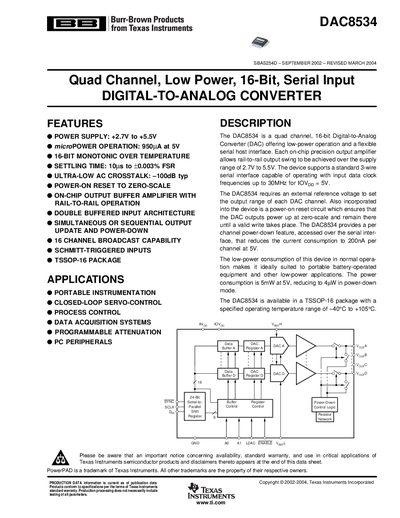
The DAC8534 is a quad‑channel, 16‑bit Digital‑to‑Analog Converter offering low‑power operation and a flexible 3‑wire serial host interface. Each channel includes an on‑chip precision output buffer that provides rail‑to‑rail swing over a supply range of +2.7 V to +5.5 V.
The device supports programmable attenuation, per‑channel power‑down, and simultaneous or sequential output updates. It is supplied in a TSSOP‑16 package and is rated for operation from –40 °C to +105 °C, making it suitable for portable instrumentation, servo control, process control, and data‑acquisition systems.
| Power supply voltage range | +2.7 V to +5.5 V |
|---|---|
| Resolution | 16 bits |
| Power consumption (normal mode) | 5 mW at 5 V |
| Power‑down current per channel | 200 nA at 5 V |
The DAC8534 operates from +2.7 V to +5.5 V.
It is a quad‑channel device, providing four independent DAC outputs.
Each channel draws 200 nA in power‑down mode at a 5 V supply.