
Onyx RFG-2000 GPS receiver user manual introduces GPS receiver's features, installation instructions, usage methods, etc.
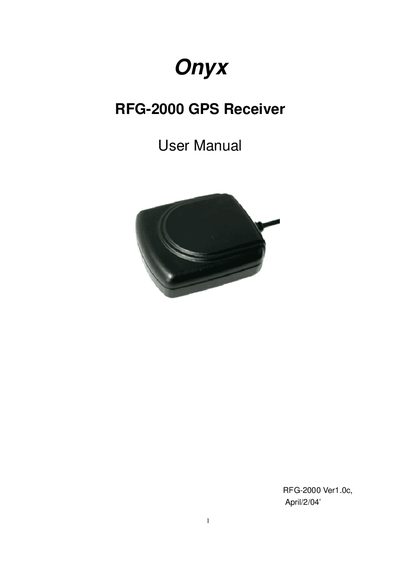
This manual covers everything needed to get the RoyalTek RFG-2000 GPS receiver up and running. It explains what is included in the package, how to install the necessary USB or RS‑232 drivers on Windows, and the correct COM port and baud rate settings for both laptop/desktop and PDA connections.
Additional sections detail the device specifications, connector pinouts, software data formats, and a troubleshooting guide. The appendix lists the pin assignments for the 9‑pin D‑SUB, 6‑pin mini‑DIN, and USB‑A connectors, and the warranty terms are provided at the end of the document.
| Number of channels | 12 |
|---|---|
| Navigation update rate | 1 second |
| Baud rate | 4800 bps |
| Supported interfaces | RS‑232, USB, PDA adaptor |
| Power input (car) | 12 V |
Insert the RFG‑2000 CD, select “USB Driver for Windows”, and run the installer; alternatively run the PL‑2302 Driver installer.exe from the CD.
The package contains the GPS receiver, a cable (RS‑232, USB, or PDA adaptor), and an optional application CD.
Run the “USB Driver/PL‑2302 Driver installer.exe” file from the CD to completely remove the driver.