
This document is an introduction to the RoyalTek Bluetooth GPS Receiver RBT-2210 user manual. The manual provides detailed information on the features and characteristics of the product.
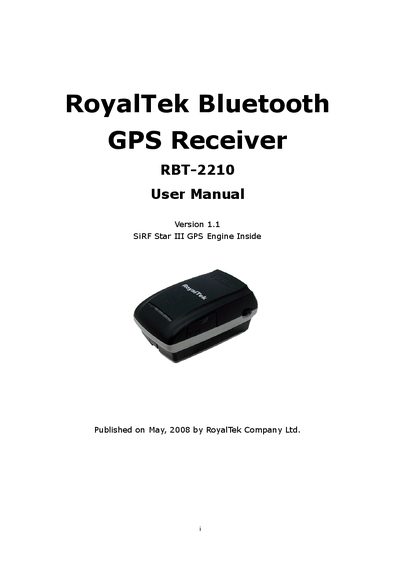
This manual introduces the RoyalTek RBT-2210 Bluetooth GPS Receiver, describing its main features, hardware layout, and intended applications such as PDA navigation, automotive tracking, and personal positioning.
It guides users through charging the lithium‑ion battery, turning the device on, pairing via Bluetooth (PIN 0000), installing companion software on PDA/PC, and performing GPS tests. The document also explains GPS terminology and includes revision history.
| GPS chipset | SiRF Star III |
|---|---|
| Number of channels | 20 parallel |
| Protocol | NMEA0183 |
| Operating temperature | -10 °C to +60 °C |
| Dimensions | 72 mm L × 41 mm W × 24 mm H |
| Weight | 62 g |
| Battery life (continuous) | 7 hours |
| Humidity tolerance | up to 95 % non‑condensing |
The battery can operate for more than 7 hours in continuous mode.
The PIN code to pair the device is 0000.
Open the bolt on the bottom cover, remove the old battery and insert a new lithium‑ion battery.
The Yellow LED lights up while charging and turns off when the battery is fully charged.