
This manual introduces the use of Vaisala DRYCAP® Dewpoint and Temperature Transmitter Series DMT340, mainly including product overview, installation, use, maintenance and other contents.
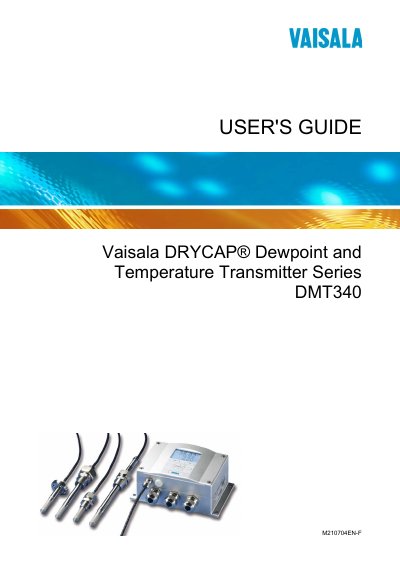
This guide covers the DMT340 dewpoint and temperature transmitter, describing its features, optional modules, and basic specifications. It is intended for users who need to install, configure, and operate the transmitter in various environments.
Key sections include installation methods (wall, DIN rail, pole), wiring and grounding, operation via the display/keypad, serial and LAN/WLAN communication, MODBUS configuration, calibration procedures, and maintenance tasks. Appendices provide detailed MODBUS reference and calculation formulas.
Use the Display/Keypad menu to select the language setting.
Select the one‑point dewpoint adjustment function on the Display/Keypad.
Enable MODBUS through the menu options on the Display/Keypad or via the Service Port.