
This document introduces the use of Vaisala FD12P temperature and humidity sensor
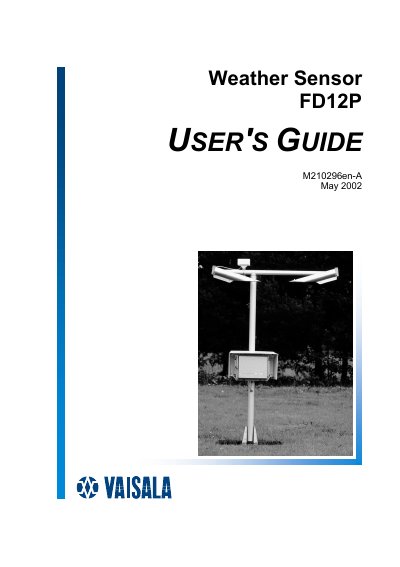
This guide covers all aspects of the FD12P weather sensor, including general information, hardware structure, sensing elements, and optical system. It details the installation process, grounding, cable selection, and mounting procedures required for proper deployment.
The manual also explains normal operation commands, functional descriptions, calibration methods, maintenance tasks, and troubleshooting steps. Appendices provide code tables, jumper settings, and test point locations for advanced service work.
Grounding instructions are provided in the section titled "Grounding for Testing Purposes".
The manual includes a dedicated procedure called "Calibrating FD12P Weather Sensor after Unit Replacement".
The sensor supports serial RS‑232, serial RS‑485, and a DMX21 modem for communication.