
This document is the user's guide for Vaisala DRYCAP® Dewpoint Transmitters DMT345 and DMT346. It introduces the features and characteristics of the products, including basic features, options, installation, use, maintenance and troubleshooting.
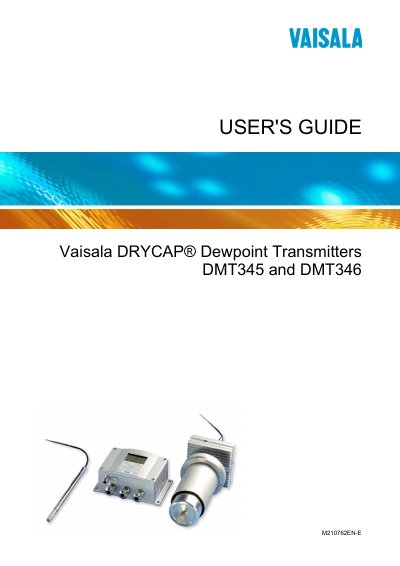
This guide covers all aspects of the DMT345 and DMT346 dewpoint transmitters, including general information, product overview, and detailed installation procedures such as mounting options and wiring. It also explains how to configure communication interfaces like LAN, WLAN, RS‑422/485, and MODBUS.
Further sections describe operation of the display/keypad, sensor calibration, maintenance tasks, and technical data for optional modules. Appendices provide example installations, calculation formulas, and MODBUS reference material.
The language can be changed using the Display/Keypad menu.
Use the LAN Communication section to set IP configuration via the Display/Keypad.
Select Manual AutoCal in the Calibration and Adjustment chapter to run a manual calibration.