
This manual introduces the basic information of Vaisala CARBOCAP® Hand-Held Carbon Dioxide Meter GM70, including safety precautions, product overview, preparation of the instrument, operation of the instrument, and maintenance of the instrument.
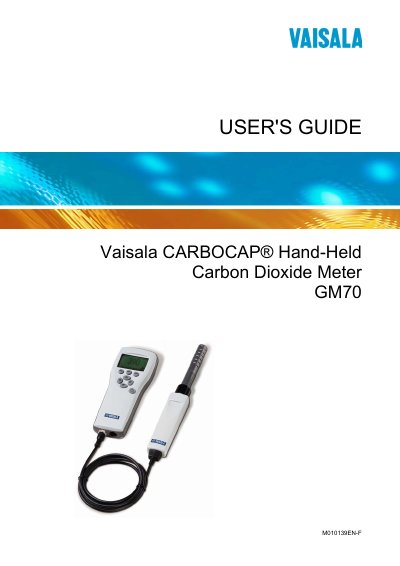
This guide covers general information, safety considerations, and product overview for the Vaisala CARBOCAP® Hand‑Held Carbon Dioxide Meter GM70. It explains preparation steps, battery recharging, language and time settings, and how to take measurements using diffusion or pump‑aspirated sampling.
Further sections describe the device’s buttons, displays, menus, analog output configuration, data recording, calibration procedures, error messages, and maintenance tasks. Technical specifications and accessories are listed in the final chapter.
Turn on the device and set the language, date, and time as described in Chapter 3 of the guide.
Yes, the GM70 can record data; see the Recording Data section in Chapter 8 for details on starting, viewing, and transferring recordings.
The guide warns not to modify the unit because improper modification can damage the product or cause malfunction.
Analog output selection and scaling are explained in Chapter 7, where you can choose the output type and set scaling parameters.