
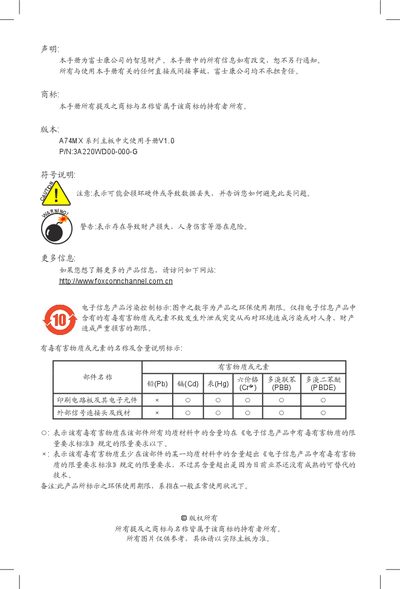
This document is a manual about the labeling of pollution control and the description of the content of toxic and hazardous substances in electronic information products. The manual introduces the environmental use period and limit requirements of toxic and hazardous substances or elements contained in electronic information products, and explains the reasons for exceeding the limit requirements of toxic and hazardous substances. In addition, the manual also includes declarations and warning information from Foxconn.
This manual covers the A74MX series motherboard from Foxconn, detailing safety precautions, hardware installation, BIOS configuration, and RAID setup. It includes declarations of conformity, technical specifications, and support contact information.
The document is organized into sections such as product introduction, hardware installation, BIOS settings, optical drive usage, RAID configuration, and troubleshooting. It also provides guidance on ESD protection, power connections, and compatible components. This manual is written in Chinese.
| Audio codec | Realtek 8‑channel (A74MX‑S) / 6‑channel (A74MX‑K) HD Audio |
|---|---|
| USB ports | 10×USB 2.0 (4 rear, 6 via board) |
| Power connectors | 1×24‑pin ATX main, 1×4‑pin ATX12V CPU |
The board provides ten USB 2.0 ports – four on the rear panel and six via board connectors.
A 24‑pin ATX main power connector and a 4‑pin ATX12V CPU power connector are required.