
This document describes how to use the FWR navigation and scroll function, as well as the finger dial function.
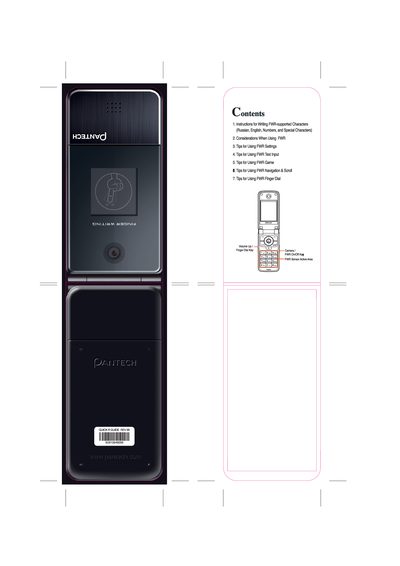
This quick reference guide provides concise instructions for operating the Finger Writing Recognition (FWR) sensor on the Pantech PG-2800 mobile phone. It covers how to enable the sensor, supported character sets, and tips for effective use.
The guide is organized into sections on writing supported characters, considerations when using FWR, and practical tips for navigation, scrolling, finger dialing, text input, and games. It also includes a brief contacts example and troubleshooting notes.
| FWR active area | keypads with numeric keys |
|---|
FWR supports English capital and small letters, Russian capital and small letters, numbers, and special characters.
No, the sensor works best with a fingertip; using a stylus, ballpoint pen, gloves, or more than two fingers may cause it to malfunction.
Avoid long fingernails and using wet hands or a wet sensor, as they can damage the sensor or reduce performance.