
PANTECH PG-6100 user manual, introduces the basic functions and usage of the phone
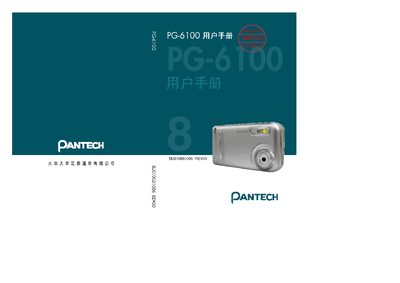
This manual introduces the Pantech PG-6100 mobile phone, covering safety notices, basic handling, and the unique functions of the device. It explains how to use the phone’s display, camera, and navigation keys, and provides important safety warnings before first use.
The guide also details network compatibility, battery performance, and various operating modes such as standby, text entry, and camera functions. Technical specifications like screen size, resolution, weight, and dimensions are listed for quick reference. This manual is written in Japanese.
| Internal LCD size | 1.9 inches |
|---|---|
| External OLED size | 1.1 inches |
| Internal LCD resolution | 176 × 220 pixels |
| External OLED resolution | 96 × 96 pixels |
| Weight | 100 g |
| Dimensions | 88 mm × 47 mm × 24.9 mm |
| Supported network bands | GSM 900, DCS 1800, PCS 1900 |
| Talk time | ≈ 830 minutes |
It supports GSM 900, DCS 1800, and PCS 1900 bands.
The phone weighs about 100 grams.