
PANTECH PG-3500 3-band GSM mobile phone user manual, introduces the features and characteristics of this phone, including dual screen display, ringtones, camera, size and weight, battery, working frequency, etc.
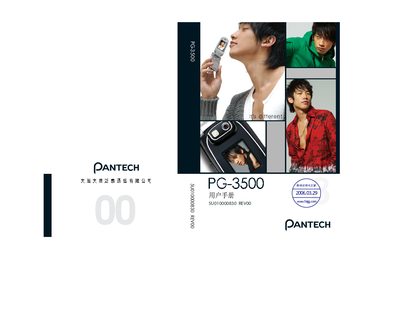
This manual explains how to safely use the Pantech PG-3500, covering safety warnings, battery handling, and general operating procedures. It also describes the phone’s unique functions such as camera operation, audio playback, and WAP connectivity.
Detailed sections cover the device specifications, supported network bands, external memory options, audio format compatibility, and key button functions for different modes (standby, text entry, camera, etc.). The guide includes step‑by‑step instructions for common tasks like inserting a Micro‑SD card, taking photos, and managing contacts. This manual is written in Japanese.
| Internal LCD size | 30.1 mm × 37.6 mm |
|---|---|
| External LCD size | 18.1 mm × 24.2 mm |
| External display resolution | 96 × 128 pixels |
| Camera resolution | 1.3 MP (SXGA) |
| Dimensions | 92.7 mm × 45 mm × 16.45 mm |
| Supported network bands | GSM 900, DCS 1800, PCS 1900 |
| Supported audio formats | MP3, AAC, AAC+, AMR, G-MIDI, SP-MIDI, C-MIDI, SMF, XMF, RTTTL, i‑Melody |
It works on GSM 900, DCS 1800, and PCS 1900 bands.
The camera is a 1.3 MP (SXGA) CMOS sensor.