
The PANTECH PG-3600 is a tri-band GSM mobile phone that supports the EGSM900, DCS1800, and PCS1900 networks. It features a 1.9-inch TFT LCD screen, an integrated SXGA (1.3-megapixel) CMOS camera, a music player that supports MP3, AAC, AAC+, AMR, G-MIDI, SP-MIDI, C-MIDI, SMF, XMF, RTTTL, and i-Melody formats, and a choice of two batteries, a 570 mAh (thin) battery and an 800 mAh (standard) battery.
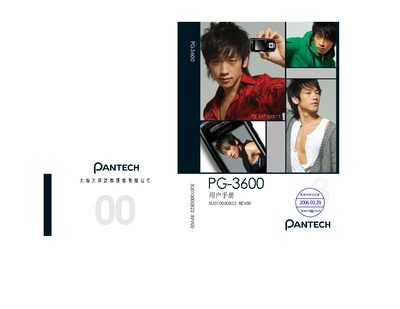
This manual explains how to use the Pantech PG-3600 mobile phone, covering basic operation, menu navigation, and special functions such as WAP access, SMS messaging, and security settings. It also details the phone's hardware features, including the 1.9‑inch TFT LCD, camera, audio playback formats, and battery performance.
Key sections describe the keypad functions, how to manage PIN/PUK codes, supported GSM bands (GSM900, DCS1800, PCS1900), and troubleshooting tips. The document is written in Japanese and includes diagrams and tables for quick reference.
| LCD resolution | 176 x 220 pixels |
|---|---|
| Color depth | 262,144 colors |
| Weight | 85.5 g |
| Dimensions | 95 mm x 43 mm x 16.8 mm |
| Supported audio formats | MP3, AAC, AAC+, AMR, etc. |
| Supported GSM bands | GSM900, DCS1800, PCS1900 |
Press the designated key while in standby mode to display the WAP menu list.
The phone supports MP3, AAC, AAC+, AMR, and several other audio formats.
It works on GSM900, DCS1800, and PCS1900 bands.
The PIN can be changed through the phone’s security settings; the PIN is provided with the SIM card.