
PANTECH PG-3200 3-band GSM mobile phone user manual, introduces the features and characteristics of the product, including internal and external displays, ringtones, cameras, dimensions and weight, batteries, network frequencies, appearance, function quick reference, etc.
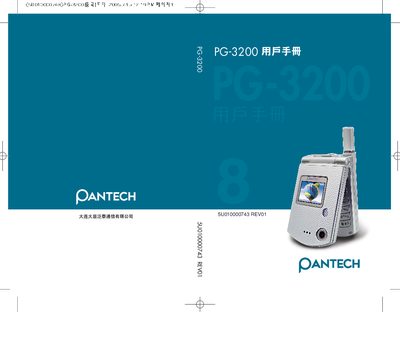
This manual provides step‑by‑step instructions for using the Pantech PG‑3200 mobile phone, covering basic operation, menu navigation, and special functions such as camera, WAP, and messaging. Safety warnings and warranty information are also included.
Technical details such as display specifications, battery performance, network support, and SIM security (PIN/PUK) are described, along with troubleshooting tips for common issues. This manual is written in Japanese.
| Main display size | 1.52 inches |
|---|---|
| Main display colors | 262,000 colors |
| External display size | 1.0 inches |
| External display colors | 26,000 colors |
| Camera resolution | 640 x 480 pixels |
| Dimensions | 70 mm x 43 mm x 18 mm |
| Battery capacity | 730 mAh |
| Standby time (max) | 250 hours |
| Talk time (max) | 210 minutes |
| Supported GSM bands | 900/1800/1900 MHz |
It supports GSM 900, 1800 and 1900 MHz bands.
The camera captures images up to 640 × 480 pixels.
The battery can stay in standby for up to about 250 hours.