
This is a user manual for one touch 918/one touch 918N/one touch 918D
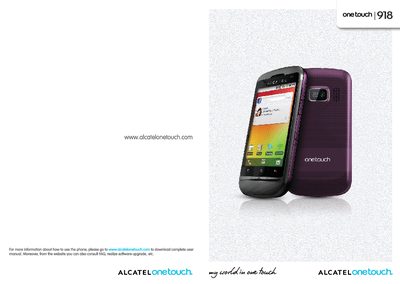
This manual covers safety and regulatory information, key hardware descriptions, and step‑by‑step instructions for getting started with the Alcatel One Touch 918 series. It explains how to insert SIM and micro‑SD cards, charge and replace the battery, and navigate the Android interface, including home screen shortcuts, Google apps, multimedia functions, and connectivity options such as Bluetooth, Wi‑Fi and VPN.
Further sections detail the phone’s settings (SIM management, network, audio profiles, display, location, privacy, storage, language, accessibility), troubleshooting tips, warranty information, and a specifications chapter that lists radio bands, SAR values and other technical data required for compliance and user awareness.
| Head SAR (UMTS 2100 + Wi‑Fi + Bluetooth) | 1.12 W/kg |
|---|---|
| Body‑worn SAR (GSM 900 + Wi‑Fi + Bluetooth) | 0.677 W/kg |
| GSM/EDGE bands | 850/900/1800/1900 MHz (quad‑band) |
| UMTS bands (918/918D) | 900/2100 MHz (dual‑band) |
The head SAR is 1.12 W/kg for UMTS 2100 + Wi‑Fi + Bluetooth, and the body‑worn SAR is 0.677 W/kg for GSM 900 + Wi‑Fi + Bluetooth.
The phone supports dual SIM; SIM1 works with both 2G and 3G networks, while SIM2 is limited to 2G only.