
one touch 585D mobile phone user manual
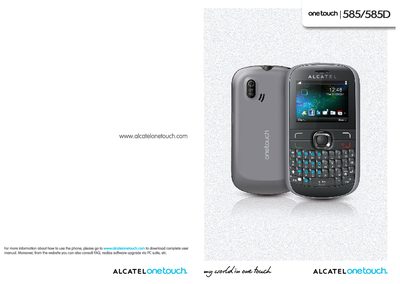
This manual provides step‑by‑step instructions for setting up and using the Alcatel OneTouch 585/585D handset. It covers hardware basics such as the back cover, SIM card insertion, battery charging, as well as software functions like calls, messaging, email, camera, Bluetooth and Java applications.
Safety information, regulatory compliance (SAR limits, temperature range) and a detailed troubleshooting section are also included to help users resolve common issues and maintain the device safely.
| Camera resolution | 2.0 Megapixel |
|---|---|
| Bluetooth version | 2.1 with A2DP |
| Operating temperature range | -10 °C to +55 °C |
Check that your subscription includes the service, that the number is entered correctly with the country prefix, and that your SIM card is not full.
Make sure Bluetooth is turned on, the phone is set to be visible, and that the other device is within Bluetooth detection range.
Charge the battery for at least three hours, avoid partial charges, and deactivate Bluetooth and background Java apps when not in use.
It indicates the SIM is locked; contact your network operator for the PUK code to unlock it.