
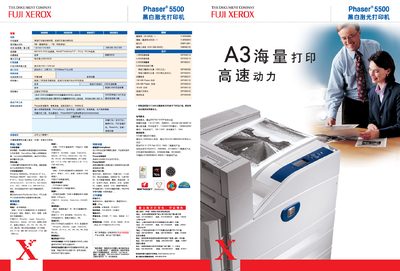
This manual covers the installation, configuration and daily use of the Fuji Xerox Phaser 5500 black‑and‑white laser printer. It includes instructions for connecting the printer to a network, loading paper, and using advanced features such as job pipelining and remote diagnostics via PhaserSMART.
Technical specifications, power requirements, safety information and optional accessories are detailed, helping administrators and end‑users maintain high‑speed, high‑quality printing performance in demanding office environments. This manual is written in Chinese.
| Print speed (single‑sided) | 50 pages per minute |
|---|---|
| Print resolution | 1200 × 1200 dpi |
| Processor | 500 MHz RISC |
| Standard memory | 128 MB (optional 256 MB) |
| Maximum monthly print volume | 300 000 pages |
| Power consumption (printing) | 1150 W (120 V) / 1300 W (220 V) |
The printer can produce up to 50 pages per minute in single‑sided mode.
It comes with 128 MB of RAM as standard, with an optional 256 MB upgrade.
Yes, automatic duplex printing is a standard feature.