
The HP Scanjet 7400c series scanners deliver high speeds and uncompromising quality with HP's exclusive scanning technology. You'll get up to 2400 dpi with a preview scan in as little as four seconds. With office-ready features, including an automatic document feeder, multiple buttons, and multiple-language OCR capability.
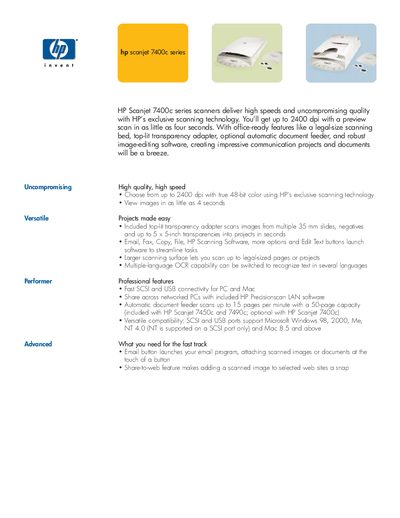
The HP Scanjet 7400c series offers high‑speed, high‑quality scanning with up to 2400 dpi optical resolution, a legal‑size flatbed, optional transparency adapter, and an automatic document feeder. It supports both SCSI and USB connections and includes software for OCR, image editing, and network sharing.
The manual details hardware specifications, system requirements, supported operating systems, and power options, as well as warranty information and ordering codes. It also lists the contents of the package and regulatory compliance data.
| Scanner Type | Flatbed, one-pass color and monochrome |
|---|---|
| Optical Resolution | 2400 dpi |
| Hardware Resolution | 2400 x 2400 dpi |
| Bit Depth | 48-bit color |
| Maximum Document Size | 8.5 x 14 in (US legal) |
| Interface | SCSI and USB |
| ADF Speed | Up to 15 pages per minute |
The scanner provides a 2400‑dpi optical resolution.
The ADF can scan up to 15 pages per minute in black‑and‑white copy mode.
Supported OSes include Windows 98, 2000, Me, NT 4.0 (SCSI only) and Mac OS 8.5 and above.
It offers fast SCSI and USB connectivity for both PC and Mac.