
This document is a user guide for HP Color LaserJet 2605, 2605dn, and 2605dtn printers, providing information on printer basics, configuration, features, software, printing media specifications, and software for Windows and Macintosh.
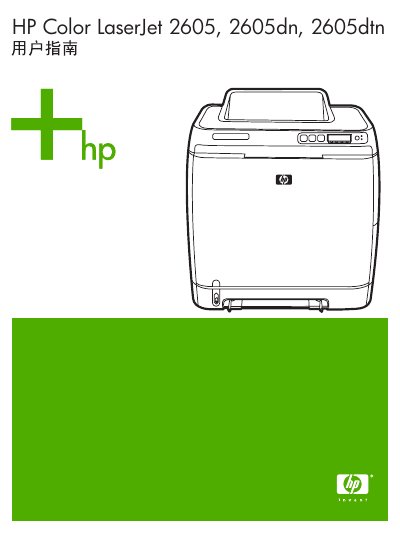
This manual covers the HP Color LaserJet 2605, 2605dn, and 2605dtn printers. It includes basic printer information, configuration steps, software installation, and detailed print‑media specifications.
Additional sections describe network setup, troubleshooting, consumable management, and routine maintenance procedures such as toner replacement and paper‑jam clearing. This manual is written in Chinese.
| Paper thickness | 0.094 – 0.18 mm |
|---|---|
| Paper weight range | 60 – 163 g/m² (varies by media type) |
| Maximum paper size | 216 x 356 mm |
| Minimum paper size | 76 x 127 mm |
| Maximum paper tray capacity | 250 sheets (optional tray 3) |
The manual provides a section titled “更换打印碳粉盒” that explains the steps to replace the toner cartridge.
For the 2605dn and 2605dtn, clear jams from the duplex printing area as described in the “从双面打印区域清除卡纸(仅适用于 HP Color LaserJet 2605dn 和 2605dtn 型号)” section.