
The HP Scanjet 3770 Digital Flatbed Scanner is a high-performance scanning device with a built-in Transparent Materials Adapter (TMA) and HP software overview. Users can use it to scan various types of originals, make copies, view and print images, and manage and edit images with HP Image Zone.
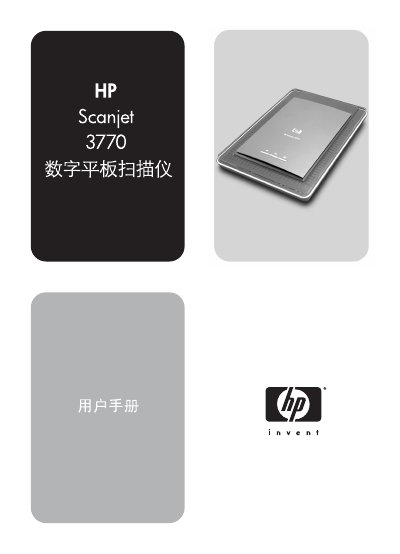
The HP Scanjet 3770 is a flatbed scanner that can capture photos, documents, slides, and negatives. It includes a built‑in Transparent Material Adapter (TMA) for scanning 35 mm slides and negatives, and supports HP Image Zone software for image editing, sharing, and printing.
The manual covers how to use the scanner, describes the hardware components and accessories, explains scanning procedures (single‑image, multi‑image, slide/negative scanning), details software functions, shows how to change settings, and provides maintenance, troubleshooting, and technical specifications. This manual is written in Chinese.
| Interface | High‑speed USB |
|---|---|
| Operating temperature | 10 °C to 35 °C (50 °F to 95 °F) |
It operates on 100‑240 V with either 50 Hz or 60 Hz frequency, covering North America, Europe, and other regions.