
The document introduces the usage and features of a CD player. The CD player comes with a remote control, which allows operation of all features. It is capable of playing various types of audio discs, such as CD-R and CD-RW. However, it does not support CD-ROM, DVD, or computer CD discs. Users can use the buttons to start, pause, stop playback, and adjust the volume, among other functions.
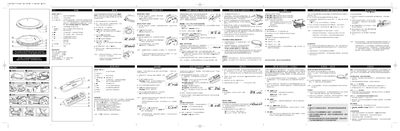
This document provides instructions for using the AX7201/15-sim CD player, covering basic controls, audio connections, and special functions such as RESUME and HOLD. It also includes safety warnings and battery handling guidelines.
Additional sections describe power supply requirements, battery types, and advanced features like Electronic Skip Protection (ESP) and various playback modes. The manual is intended for end‑users to operate and maintain the device safely. This manual is written in Chinese.
| Power Supply Voltage | 45VDC |
|---|
Press the RESUME button to continue playback from the last stopped position.
The HOLD function locks the current playback position so the CD player will not change tracks.
Use the VOLUME+/- buttons to increase or decrease the audio level.