
This manual introduces the functions and features of the Philips AJ7040D Clock Radio and explains how to use it.
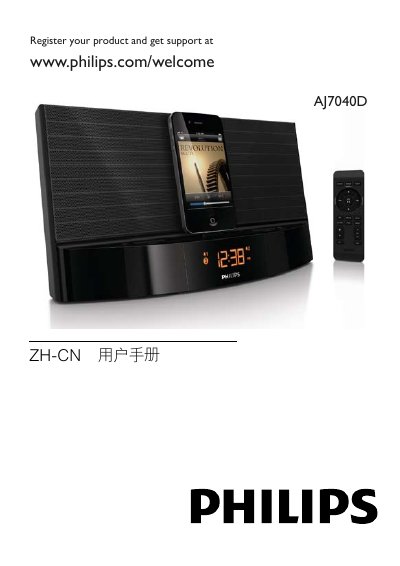
This manual explains how to safely install and use the Philips AJ7040D clock radio, covering power connection, remote‑control functions, and basic operation such as turning the unit on/off, adjusting volume, and selecting sources. It also details how to set the clock, program alarms, and use the built‑in FM tuner.
Additional sections cover iPod/iPhone docking and charging, FM station storage, troubleshooting common issues, and product specifications. Environmental disposal and recycling information are provided at the end of the guide. This manual is written in Chinese.
| Output Power (Amplifier) | 2 × 5 W RMS |
|---|---|
| FM Tuning Range | 87.5 – 108 MHz |
| Input Voltage | ~100–240 V AC |
| Output Voltage | 7 V DC, 2.5 A |
| Operating Power Consumption | < 12 W |
| Standby Power Consumption | < 1 W |
| Dimensions (W × H × D) | 290 mm × 158 mm × 113 mm |
| Weight | 2.08 kg |
While in FM tuner mode, press and hold the PROG button for 2 seconds to store the current station; up to 20 stations can be saved.
Yes, when the clock radio is connected to power, the iPod/iPhone placed in the dock will charge automatically.