
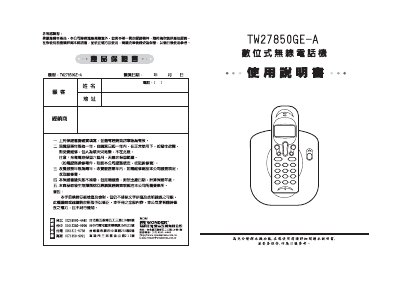
This manual provides step‑by‑step installation instructions for the Wonder TE27850GE‑A wireless telephone, including power connection, battery charging, and line hookup. It also explains how to configure basic settings such as dialing mode, password, and call functions.
Additional sections cover the device’s specifications, how to expand the handset capacity, and detailed troubleshooting tips for common issues like call display problems and battery maintenance. This manual is written in Chinese.
| DTMF low‑frequency group | 697, 770, 852, 941 Hz |
|---|---|
| DTMF high‑frequency group | 1209, 1336, 1477 Hz |
| Output power | 250 mW |
| Battery type | AAA, 3.6 V, 300 mAh |
| Standby time | up to 100 hours |
| Talk time | up to 10 hours |
| Maximum range (outdoor) | 250 m |
| Maximum range (indoor) | 40 m |
Connect the AC 110 V power supply and the AC 9 V/7300 mA adapter, plug in the telephone line, insert the battery into its socket and charge for about 12 hours before first use.
Enter the setting mode, press the password key, input a new four‑digit password, confirm with the OK key, and then exit the setting mode.
Press and hold the call key until the base unit emits a tone, then press the corresponding number key (1‑4) for the mobile phone you wish to register; the default password is "0000" if not changed.