
This manual introduces how to use Intel® NUC 11th Gen NUC 11 Pro Kit to build a high-performance Windows 10 workstation.
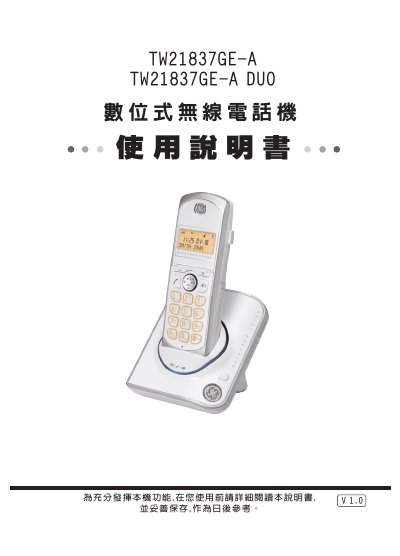
This manual explains how to install and configure the Wonder TW21837GE-A digital wireless telephone, covering power connection, battery installation, and handset registration. Detailed steps guide users through language selection, time setting, dialing mode, and ringtone customization.
Safety precautions, battery handling, maintenance tips, and a troubleshooting guide are included to help users keep the device operating reliably. The document also lists the technical specifications such as power requirements and battery type. This manual is written in Chinese.
| Power Supply | AC 110V~120V, DC 6V/350mA transformer |
|---|---|
| Battery | Ni‑MH 1.2 V 600 mAh (size 4) |
Press the setting key six times, select "6‑LANGUAGE", use the ▲/▼ keys to choose the desired language, then press INT/OK to confirm.
Press the setting key five times, select "5‑SET TIME", enter the hour and minute using the numeric keys, and confirm with INT/OK.