
This is the user manual of Wand WD-960 multi-function caller ID wireless phone, which includes the package list, main function features, phone parts name icon description, installation method, preparation before use, basic operation instructions and other contents.
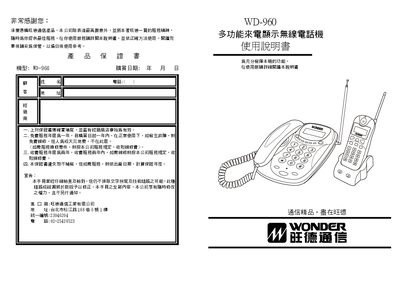
This manual provides step‑by‑step instructions for installing and using the Wonder WD‑960 wireless telephone. It covers unpacking, connecting power adapters, charging the handset battery, and configuring the device before first use.
The guide also details basic operations such as making and receiving calls, using internal intercom, managing call logs, and accessing special functions like automatic line hold, low‑battery alerts, and voice number announcement. A troubleshooting section helps resolve common issues. This manual is written in Chinese.
| Battery type | 3.6 V / 270 mAh Ni‑MH |
|---|---|
| Mother unit power adapter | AC 110 V, DC 9 V / 200 mA |
| Handset charger power adapter | AC 110 V, DC 12 V / 200 mA |
| Maximum handsets supported | 1 mother unit with up to 4 handsets |
| Call log memory | 40 incoming numbers, 20 outgoing numbers |
| Channel scanning | Automatic multi‑channel scanning on power‑on |
| Battery charging time | Charge at least 10 hours before first use |
Press the code‑setting key on the mother unit, then hold the pause/delete key until the unit emits a long beep; the password is reset.
Charge the handset battery for at least 10 hours before using the phone.
One mother unit can support up to four handsets.