
This document introduces the features and characteristics of XXX brand XXX model product
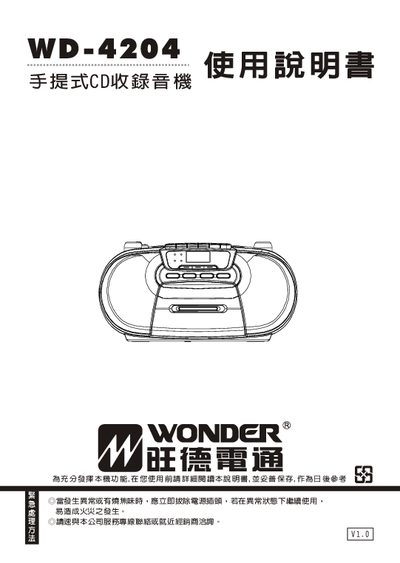
This manual explains safety precautions, proper handling, and warranty information for the Wonder WD-4204 CD player. It details how to install batteries, connect power, and avoid hazards such as fire or electric shock.
The guide also covers basic operation, including selecting CD playback, using the FM/AM radio, adjusting volume, and using repeat and random play functions. Technical specifications such as operating temperature, battery type, and supported media are listed at the end. This manual is written in Japanese.
| Battery type | 6 × AA batteries (polarity marked) |
|---|---|
| Maximum CD tracks per disc | 20 tracks |
| Radio bands | AM and FM |
Open the battery compartment, insert six AA batteries respecting the marked polarity, and close the cover.