
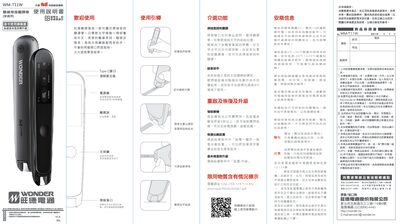
The Wonder WM-T11W is a portable pen scanner that provides word search, translation, and pronunciation for Chinese and English text. This manual guides users through basic operation, interface features, and maintenance procedures.
Key sections cover scanning technique, power management, firmware upgrades, and safety guidelines, ensuring reliable use in everyday environments.
| Charging adapter voltage | 5 V |
|---|---|
| Charging adapter current | 1 A |
| Port type | Type‑C |
| Microphone location | Top microphone |
Press and hold the power button for more than 6 seconds to force‑shutdown the device.
Use the Settings → Upgrade menu in the device software to install the latest version.
Use an adapter rated at 5 V and 1 A; other accessories may void the warranty.